Previous Vehicle History
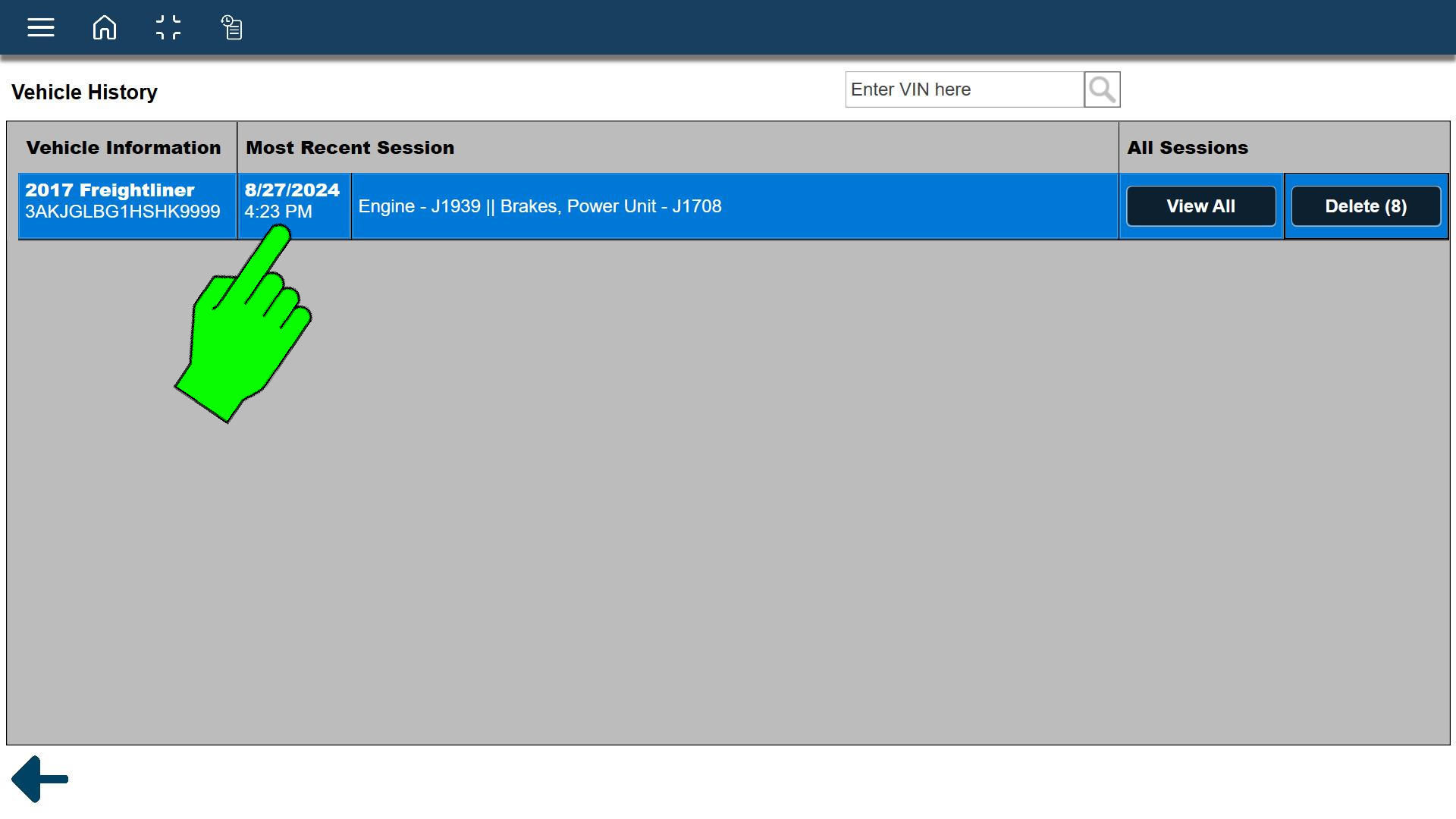
Selecting the vehicle history  icon from the toolbar, opens a list of previously connected vehicles.
From this list you can view and/or delete a specific vehicle session.
Use the search box to find a vehicle in the list by it's VIN.
Clicking on the record opens the most recent vehicle session log.
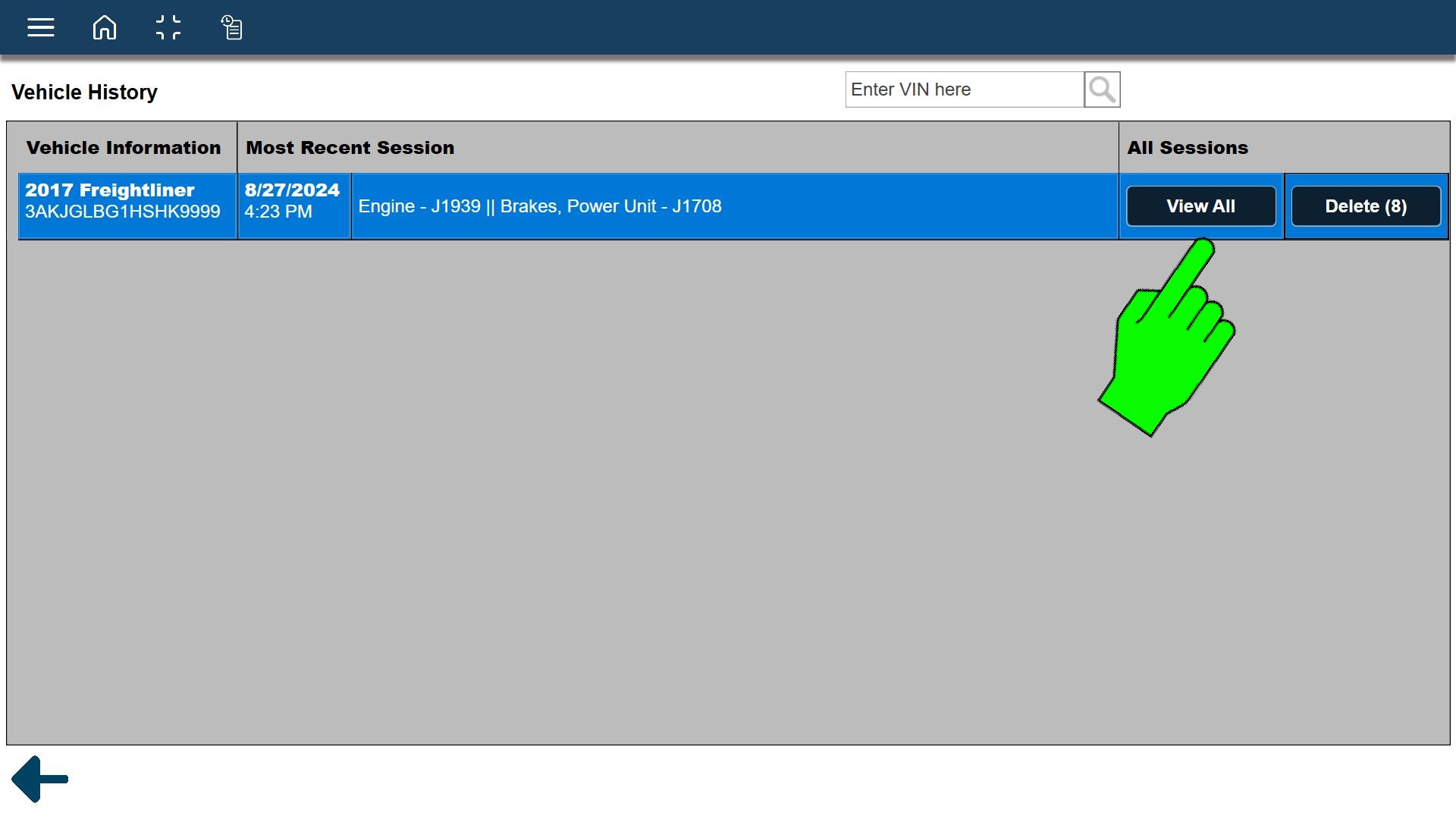
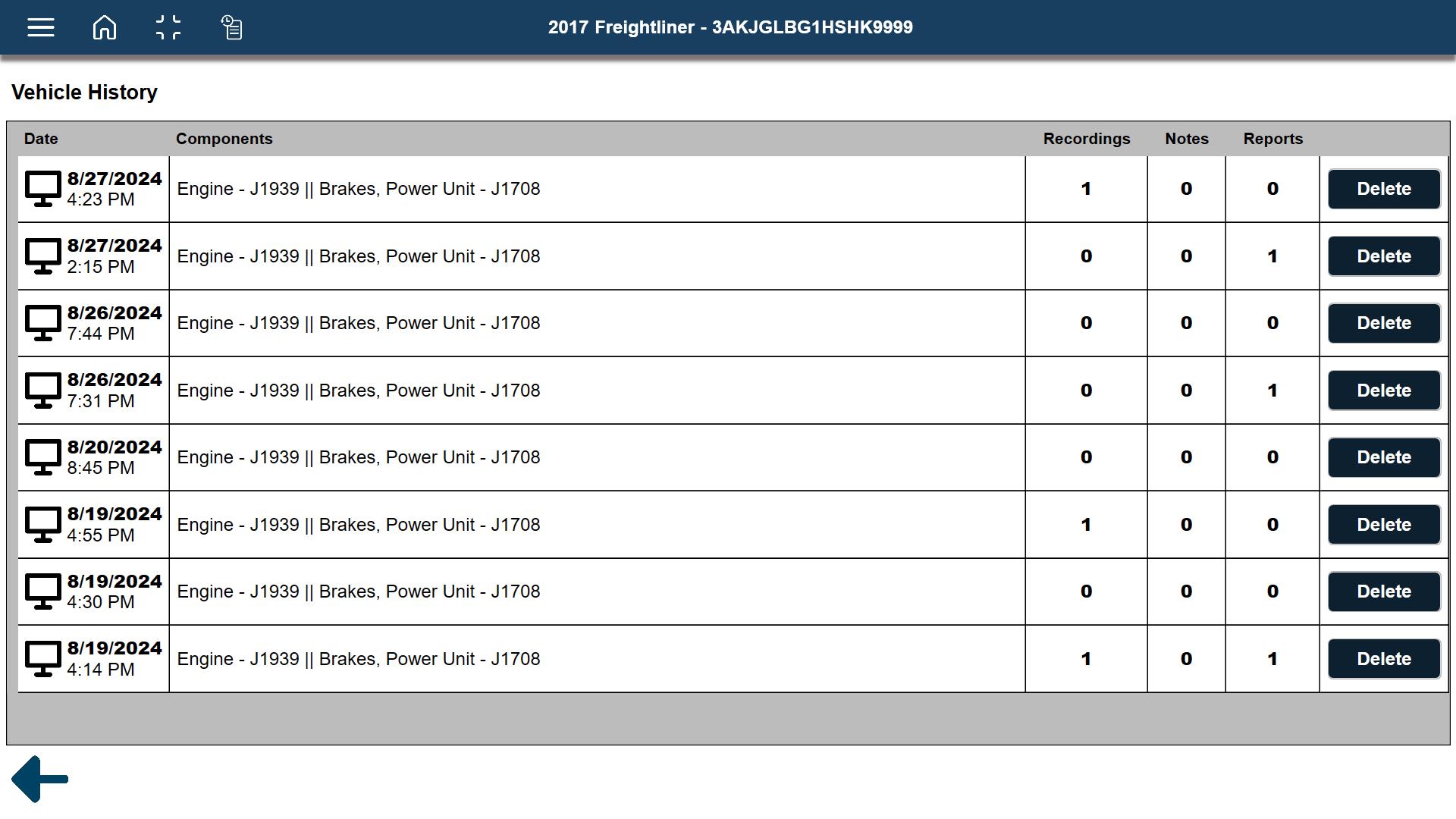
Clicking on Select All opens a list of all the associated sessions, with the most recent at the top. Click on a session to open it.
Vehicle Session Data
Selecting the vehicle history icon from the toolbar, opens a list of previously connected vehicles.
From this list you can view and/or delete a specific vehicle session.
Use the search box to find a vehicle in the list by it's VIN.
Clicking on the record ...
... opens the most recent vehicle session log.
Clicking on Select All ....
...opens a list of all the associated sessions, with the most recent at the top.
From this view you can:
| ● | Open a session (Click it) |
| ● | Delete a session from history |
| ● | See which sessions have recordings, notes and reports |
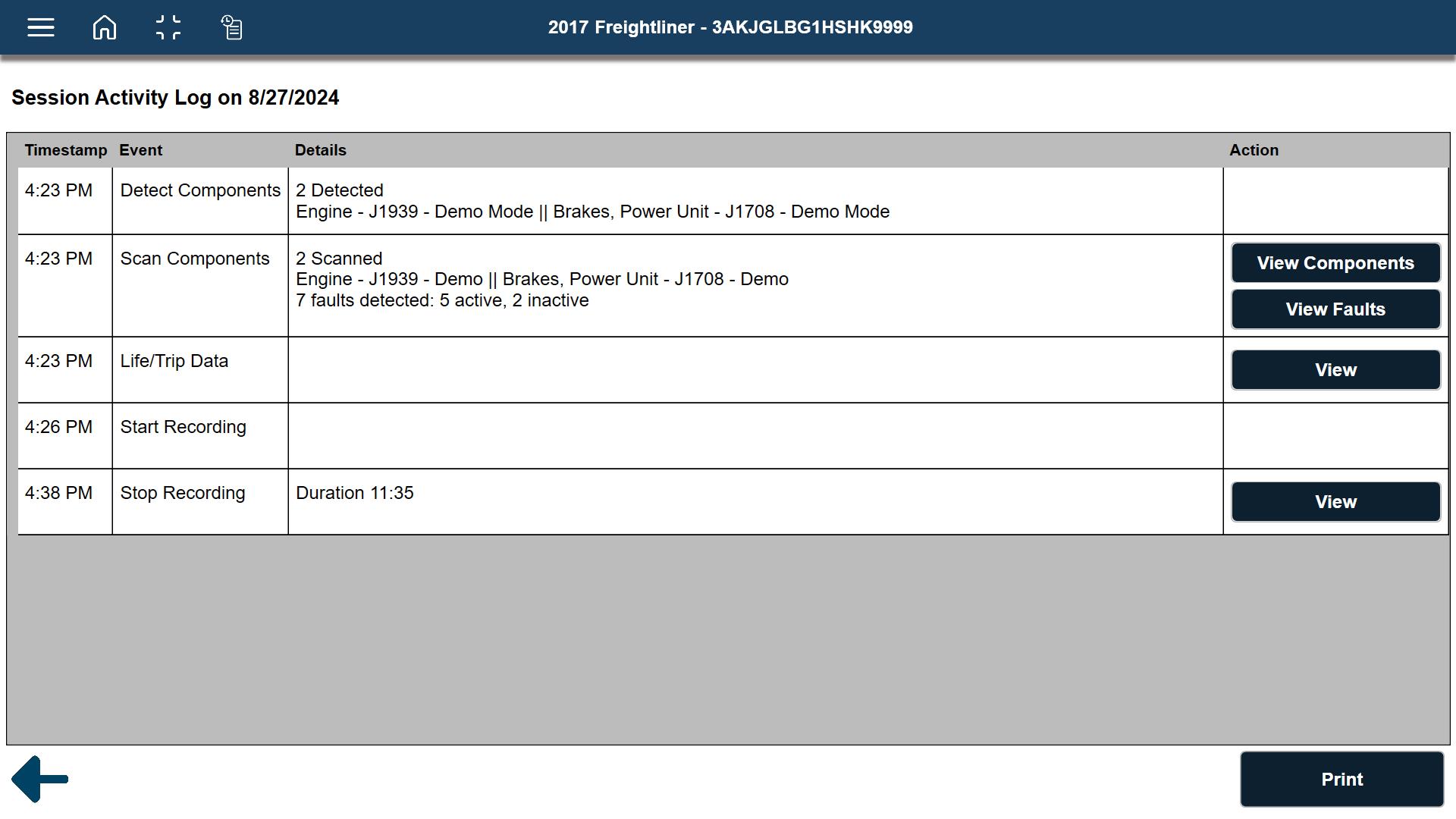
Each session activity log includes date and timestamps of the activity performed and quick links to the data saved with each session. Examples of data provided are shown below.
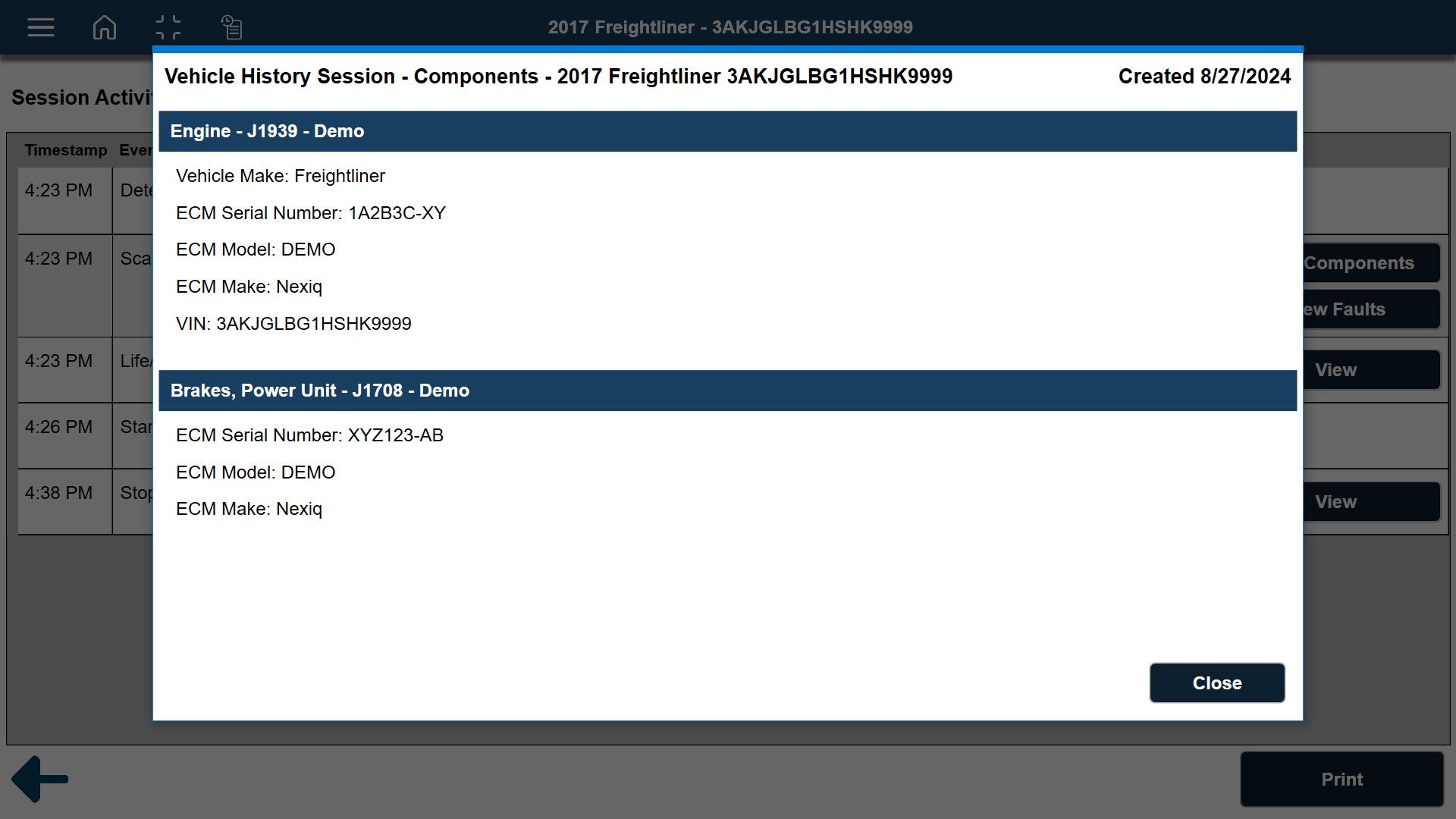
View Scanned Components
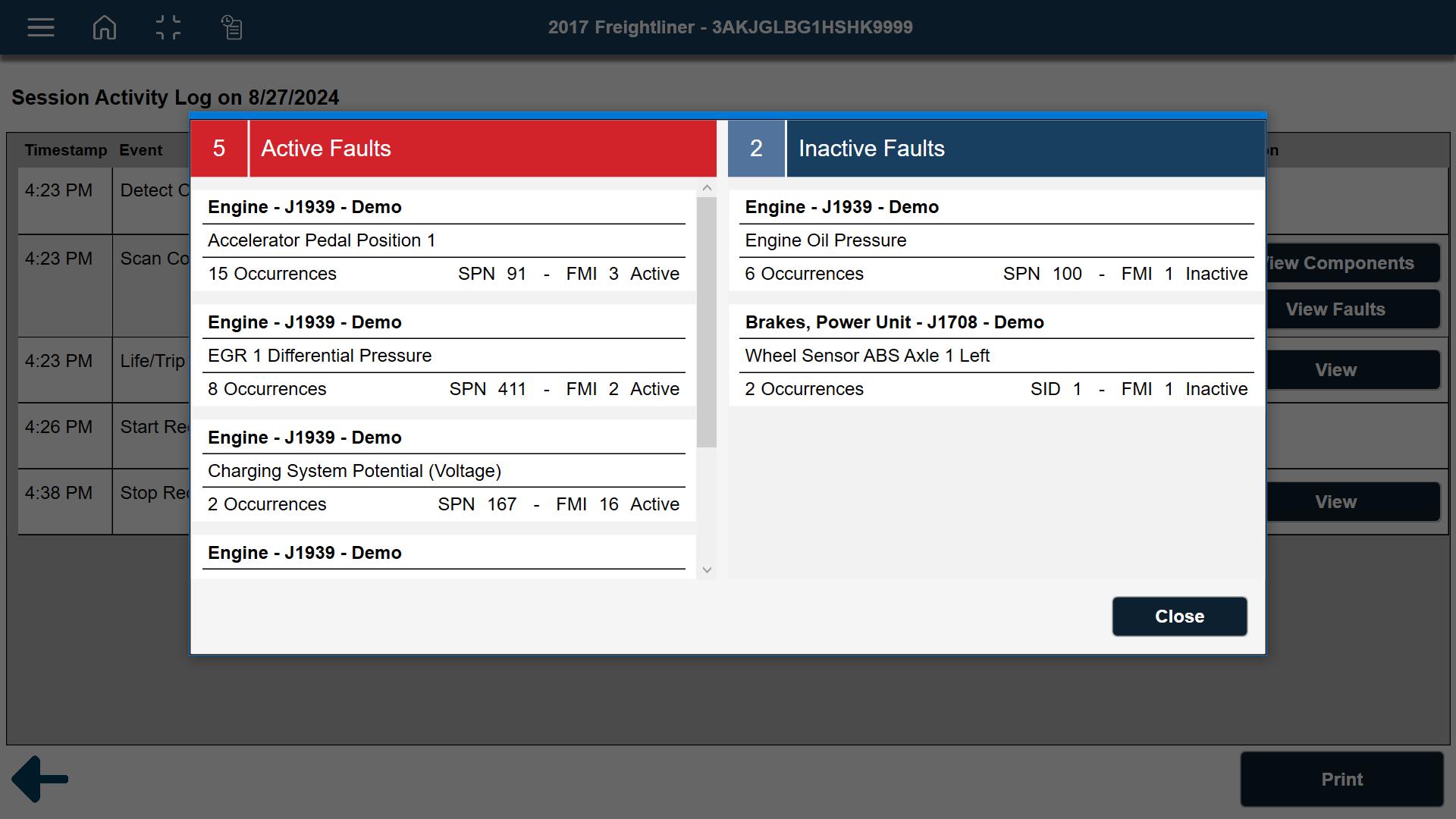
View Scanned Component Faults
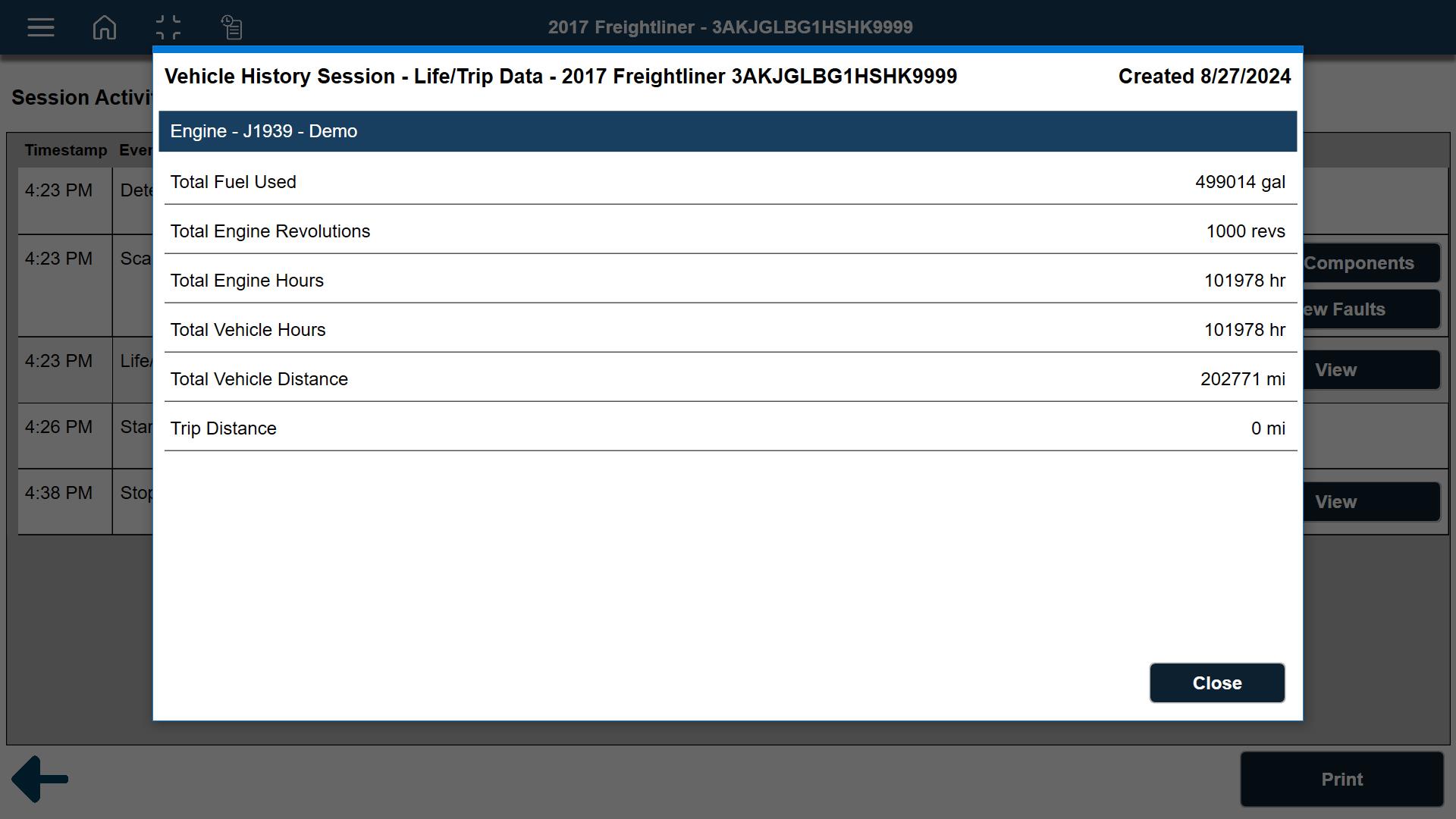
View Life/trip Data
View Data Recordings
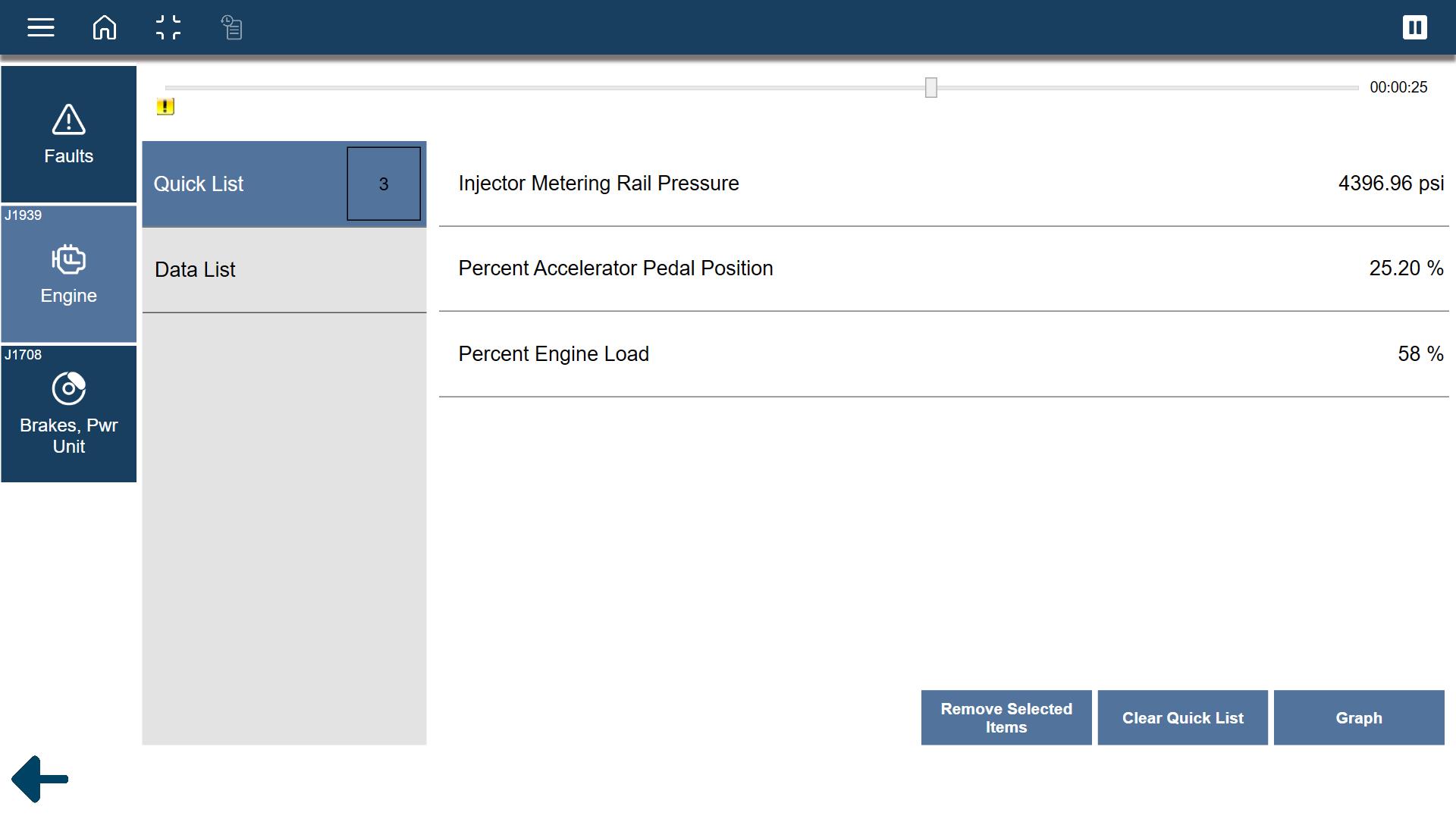
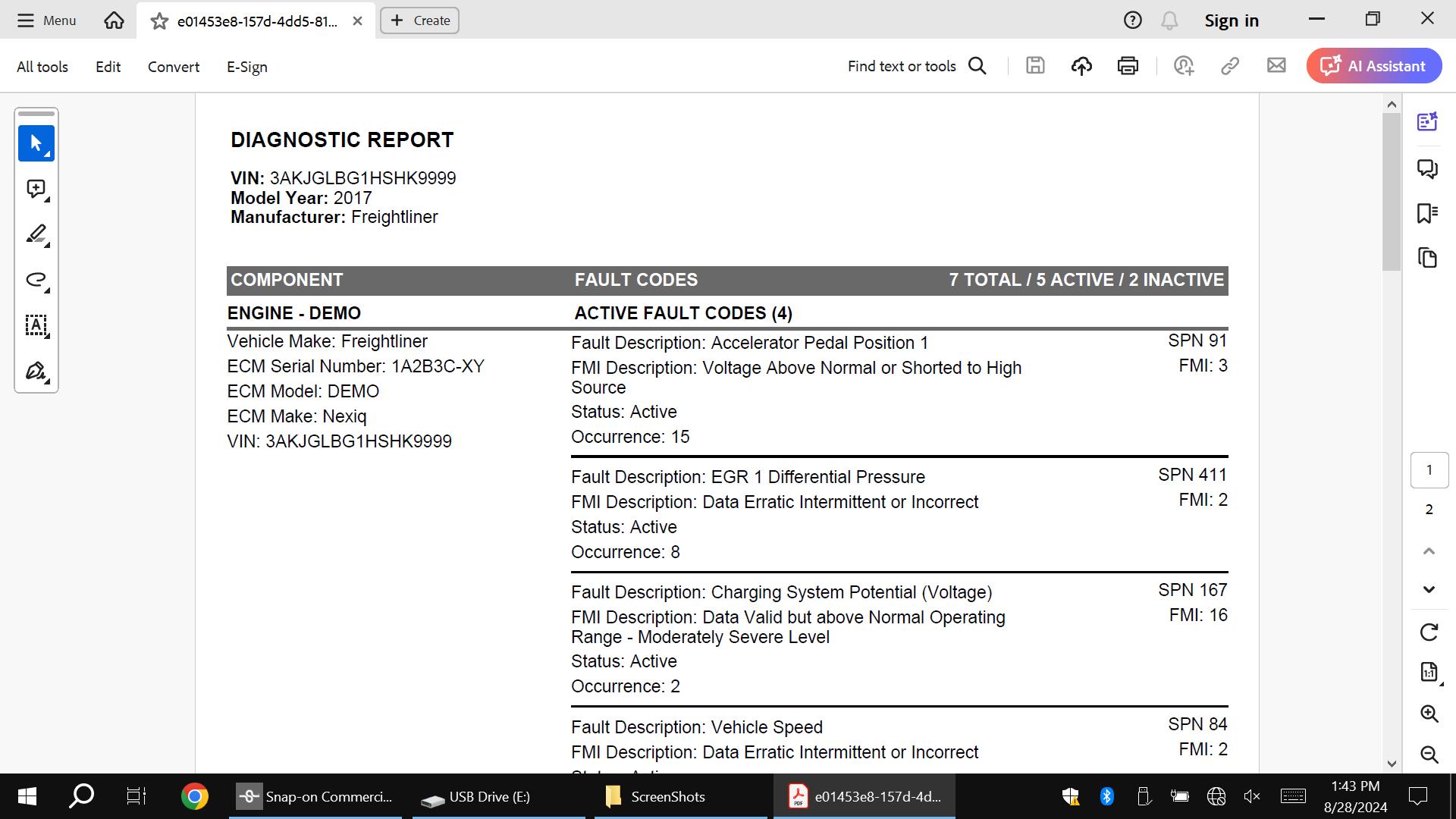
View and Print Reports